Clear the Clutter: Digital File Organization Made Simple
A few small habits can save you hours of searching later.
Not long ago, I worked with a client who admitted she had multiple versions of the same presentation saved across her desktop, her downloads folder, and her email. Every time she needed to update it, she’d waste 20 minutes trying to figure out which version was “the right one.” By the time she found it, her focus (and patience) were gone.
The truth is, most of us don’t think much about how we store our digital files—until the day it costs us time, energy, or even opportunities. But getting organized doesn’t have to be overwhelming. With just a few intentional steps, you can make your files easy to find and easy to use.
Here are three practical ways to get started:
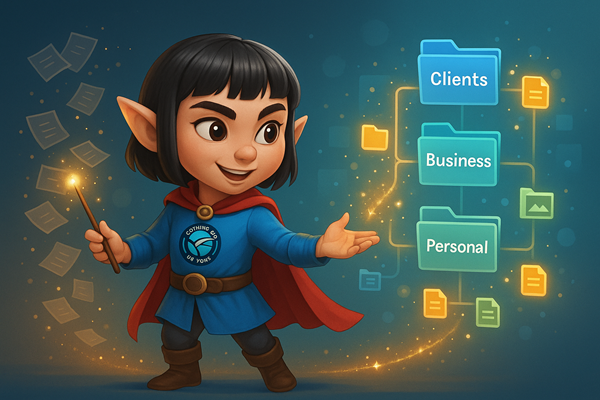
- Create a simple hierarchy.
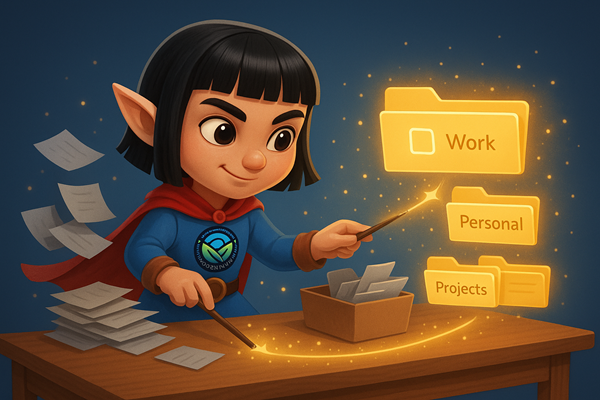
Think broad to narrow. Start with a handful of main folders—like Work, Personal, and Projects—then break those down into subfolders. The fewer clicks it takes to get to the right place, the more likely you’ll stick with it. - Standardize your naming system.
Choose a format and use it consistently. For example:ClientName_Project_DateorTopic_Version_Number. The goal isn’t perfection—it’s consistency. That way, even months later, you’ll know exactly what you’re opening. - Set aside “file time.”
Once a week (or even once a month), take 10 minutes to clean up downloads, rename new files, and drag things into the right place. A little maintenance prevents the buildup that leads to digital overwhelm.
Digital clutter may not pile up on your desk, but it can pile up in your head. By putting small systems in place now, you’ll save yourself from wasted searches later—and create more space to focus on what really matters.
Wondering how to streamline your admin or digital processes? Schedule a free 30-minute call to explore what’s possible.