Stop Double-Booking Yourself: Why One Calendar is Enough
A simpler calendar system means fewer headaches and more focus.
Ever shown up late because one calendar said “meeting” while the other said “free”? Or worse—missed something important because you forgot which calendar it was saved to? I’ve been there, and I see it with clients all the time. Too many calendars = too much confusion.
Here’s the trap:
- You start with a personal calendar.
- Then your business adds another.
- Later, you create a shiny custom email, and with it, yet another calendar.
Pretty soon, your schedule is scattered across three or four places. Instead of your calendar keeping you organized, you’re wasting time cross-checking tabs and hoping you didn’t overlook something.
The fix? Consolidate.
Here’s how to keep it simple (and sane):
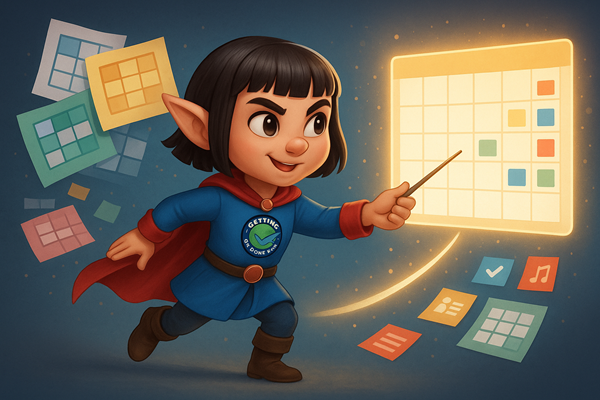
- Choose your hub. Whether it’s Google Calendar, Outlook, or iCal—pick one and make it your home base.
- Sync, don’t split. Instead of juggling multiple calendars, connect outside ones into your hub. That way, you see everything at once without switching screens.
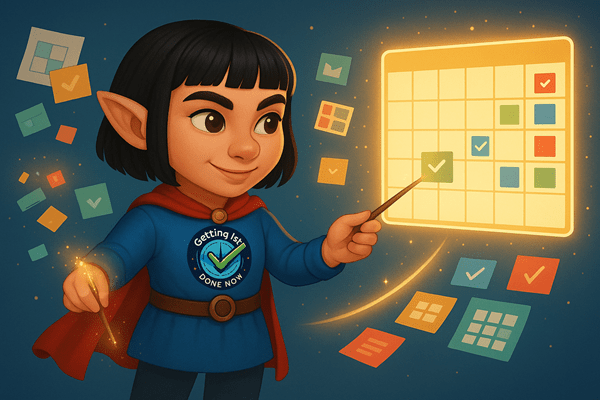
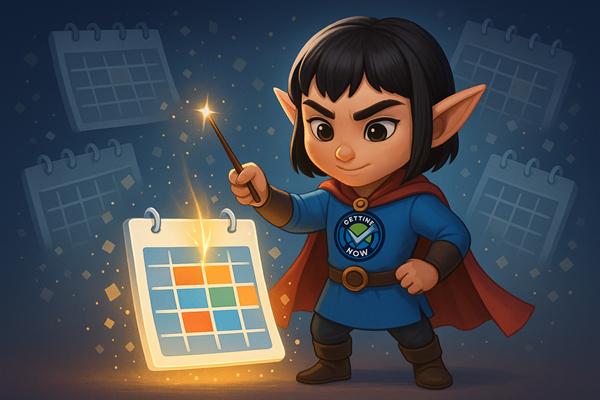
- Use color-coding. Assign personal events one color, client work another, and family commitments a third. At a glance, you’ll know exactly what’s happening.
- Share selectively. Need to coordinate with a partner, kids, or clients? Share calendars so everyone stays on the same page, and hide them when you don’t need the clutter.
- Stick to one account. From now on, send and accept invites only from your main email. Consistency keeps things clear.
The truth is, there’s only one you—and you can only be in one place at a time. So why spread yourself across half a dozen calendars? One central calendar doesn’t blur boundaries. It shows you the whole picture, so you can set priorities, protect your time, and finally breathe.
A little effort now means no more double-booking, no more missed appointments, and no more “Wait—what calendar did I put that on?” moments.
Could your systems use a little streamlining? Let’s uncover where things can run smoother. Schedule your free 30-minute call now.